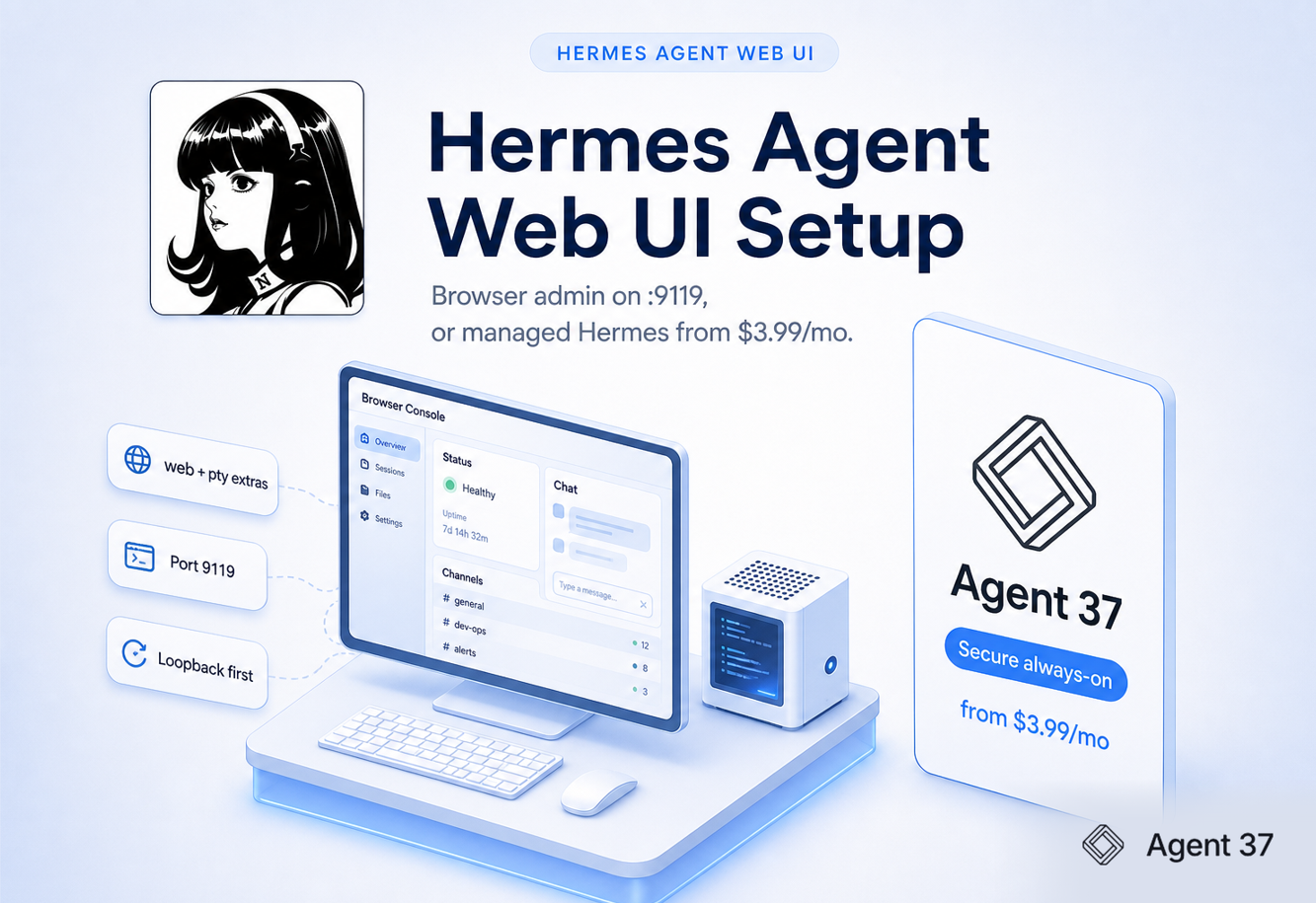
The Hermes agent web UI is the browser control panel for Hermes agent. You install the web (and usually pty) extras, run hermes dashboard, and open http://127.0.0.1:9119 to manage status, chat, channels, MCP, credentials, and sessions without living in YAML. It is powerful and sensitive. For always-on Hermes with isolation and a managed browser console, Agent 37 starts at $3.99/mo (1 vCPU, 4 GB RAM, 8 GB storage).
The Hermes agent web UI is the official browser surface for a Hermes agent install. Nous docs brand it as the Hermes Web Dashboard. People also search hermes agent web ui, Hermes dashboard, and Hermes browser Chat. Same product family: one local HTTP server plus admin pages and an embedded Chat tab.
It is not Hermes agent itself. Hermes agent is the runtime (quickstart). The web UI is how you operate that runtime from a browser.
Surfaces people mix up:
| Phrase | What it usually means |
|---|---|
| Hermes agent web UI / dashboard | Official hermes dashboard on port 9119 |
| Hermes Desktop | Native app; can talk to a remote dashboard backend |
| Hermes Workspace | Separate OSS command-center product |
| Agent 37 console | Managed host UI (task board, terminal, files, desktop) |
Keyword overview of the admin panel: Hermes agent dashboard. This page is the setup and security path for the web UI search.
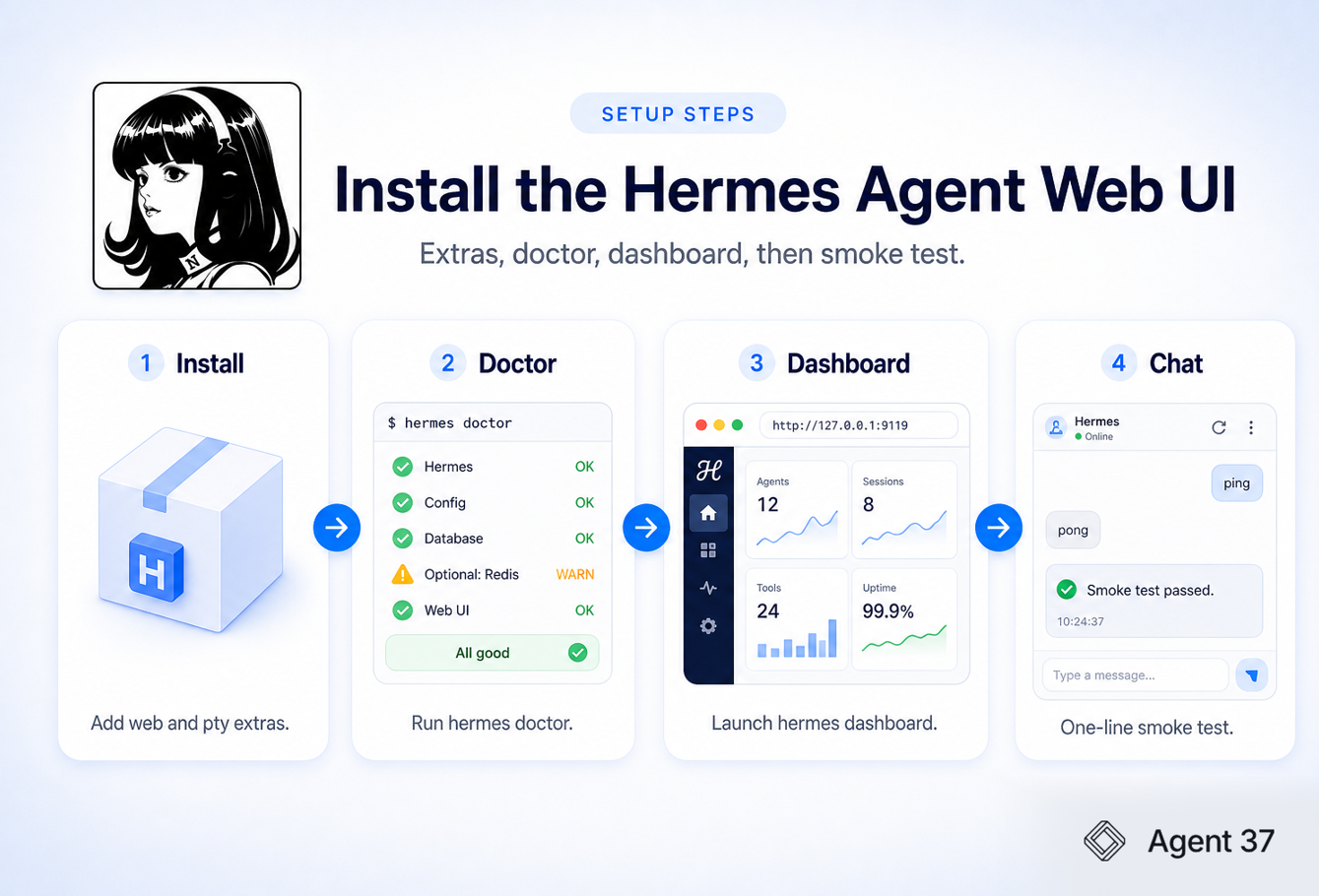
You install the Hermes agent web UI by adding optional extras on top of Hermes agent, then launching the dashboard.
hermes setup (or Nous Portal quick setup).uv pip install -e ".[web,pty]" inside the Hermes agent install (or the equivalent documented extras for your install method). web pulls FastAPI/Uvicorn. pty powers browser Chat.hermes doctor so missing deps fail early.hermes dashboard. Browser opens http://127.0.0.1:9119.Useful flags: --port if 9119 is busy, --no-open for headless start, --host 0.0.0.0 only after auth is ready.
Notes that trip people up: